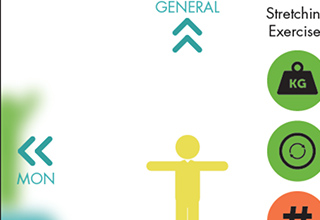
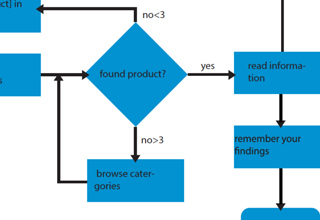
An Acting Machine Diagram(AMD) is a technique used in software engineering for describing and programming interactive products. ADMs focus on modelling product behaviour by showing how the product reacts to different types of inputs (cause & effect).
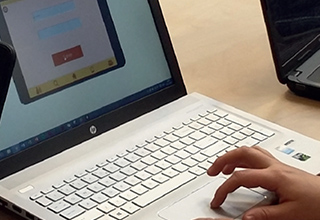
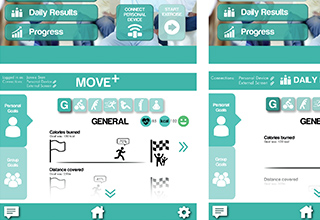
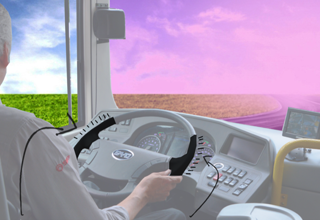
With an integrated HiFi prototype the user evaluation integrates the interactions of both the touchscreen and the physical interface, to be tested by real users in the context of use. The (data) connection between the interfaces will be simulated.
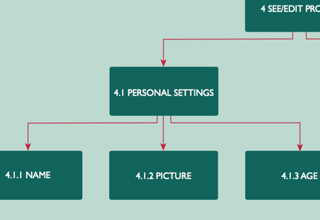
The goal of a Hierarchical Task Analysis (HTA) is to identify the main task the user needs to do to achieve a certain goal. The tasks relate to specific interactions with your system
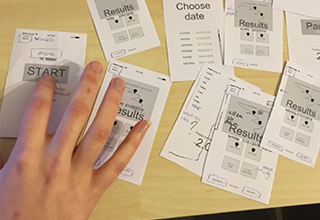
With a HiFi paper prototype you will digitally composed and print out a chosen aesthetic sketch to test the graphical elements of your concept with peers.
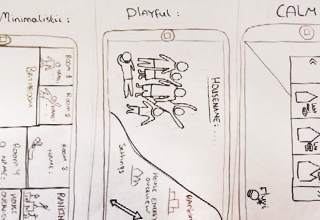
With a HiFi prototype you will digitally prototype a chosen interaction sketch to communicate the interactive elements and overall design to team members for peer assessment.
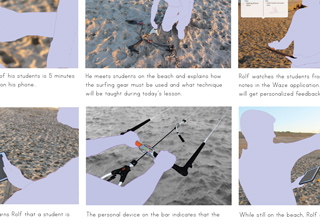
The goal of an Interaction Scenario is to describe the relations between user, context and envisioned concept. The focus is on describing how user: feel, do and know.
[wc_box color=”secondary” text_align=”left”] Persona
A persona is developed to give a real character to your target group, that you and your team can connect to. You refer to your persona to make sure her needs and preferences are fully represented.
Redesign: After the user evaluation, new questions are identified to be considered for the next iteration. In addition, several points of improvement can be suggested/visualized with the purpose to achieve a more fitting interaction to the chosen target group and context of use.
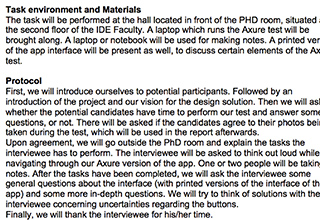
A usability plan is developed to guarantee the quality of the test’s outcomes. It describes the test environment and materials, a step-by-step protocol of the tests, the tasks for users, the test measures (variables) and the analysis (methods).
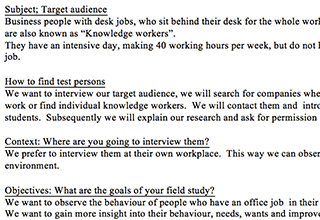
A user research plan is developed to guarantee the quality of your study. It identifies clear objectives (research questions), the subjects (who are the interviewees), the context (place and time) of the study and a clear procedure (data collection and analysis).
A User Task Flow (UTF) is developed to describe the interaction style that will support the user to achieve her goals. A style describes how users experience the support: guided, in control, efficient, etc.
A UX vision is developed to communicate, visualize and contextualize the core functionalities of your system with regards to your target group and context of use.